The hospital handed you a CD.
Windows can't open it. This can.
LabKeep Scans opens the disc an imaging center hands your family — CT, MRI, ultrasound, X-ray — straight away. Free, no account, and your scans never go to the internet or to our server.
Free · v0.1.0 · 106 MB · Windows 10 / 11 · 64-bit
Windows shows a SmartScreen warning — why, and what to clickRunning a practice or center instead? See the clinics page.
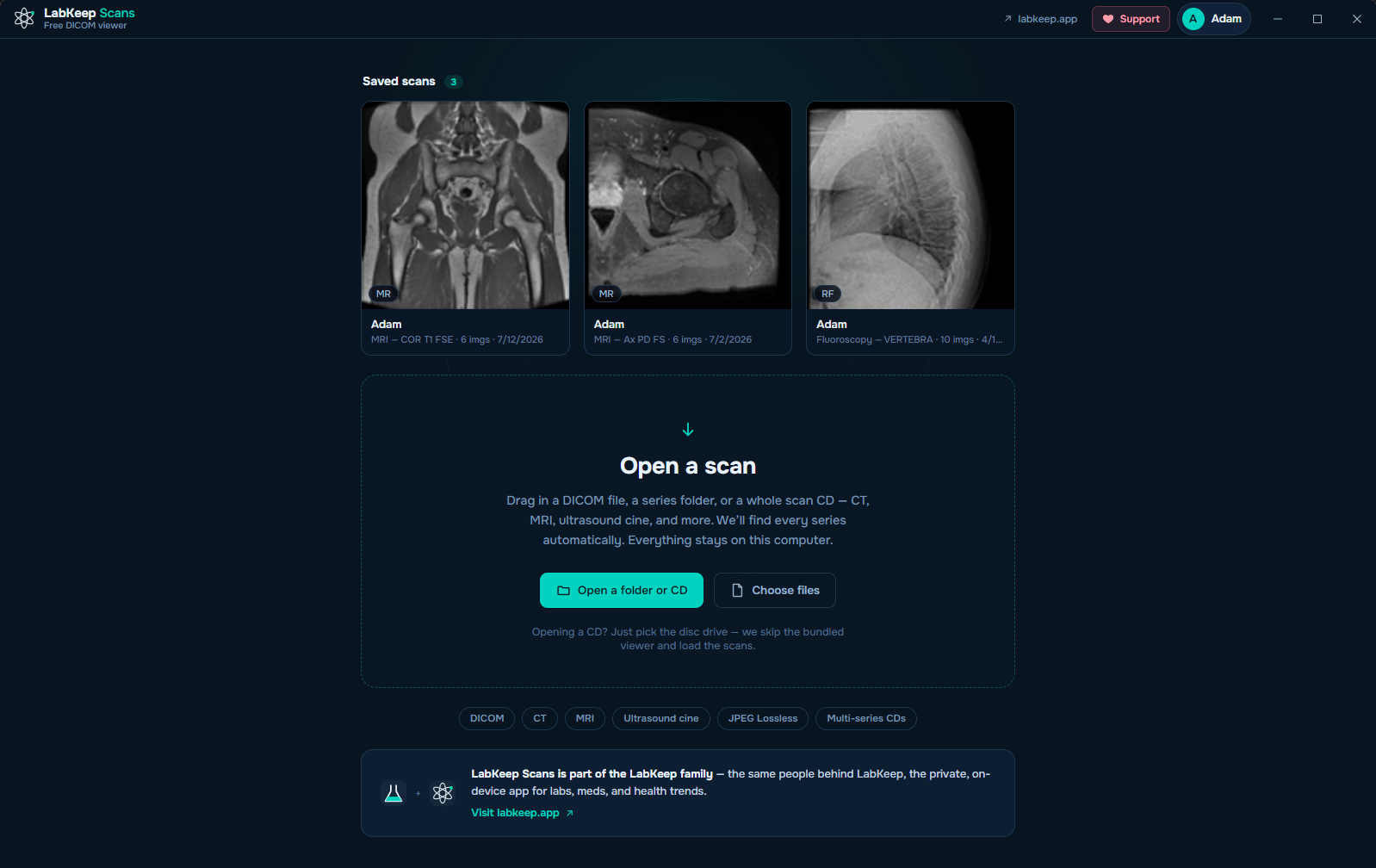
Just open it
Disc in, scan on screen. That's the whole thing.
Put the disc in
Windows AutoPlay offers to view it the moment it mounts. No disc drive, or the scan came as a folder? Just drag any file or folder onto the window instead.
Pick who it's for
Choose an existing family profile or add a new one, so grandma's MRI doesn't end up sitting next to your X-ray.
Look, properly
Scroll through the slices, play cine loops, drag to adjust brightness and contrast, zoom and pan — a real viewer, no radiology degree required.
Family profiles
Everyone's scans, kept separate.
- Up to 10 profiles — enough for parents, kids, in-laws
- Optional 4-digit PIN per profile — a lock on the file, not encryption
- Each profile keeps its own scan library
- Switch profiles any time, right from the home screen
Before the disc scratches
Save it once. Stop hunting for the CD.
Optical discs degrade with handling, so LabKeep Scans offers to copy the study into the family library — with real thumbnails — the first time you open it. After that, it's just there.
The viewer
Real controls, no radiology degree needed.
Everything the disc's own viewer from the imaging center should have offered — plus a quick tips popover so nothing is a mystery.
- Scroll or drag through every slice in a series
- Cine playback for ultrasound and video loops
- Brightness and contrast by dragging on the image
- Zoom, pan and fit, with keyboard shortcuts throughout
- A "?" tips popover that teaches the shortcuts
- An info overlay explaining what you're looking at — scan, date, hospital
Send it to a doctor
Export a frame, or the whole loop.
A single image as a PNG, a cine sequence as an MP4 — either one ready to attach to an email or a message.
Send to your phone: send a scan to the LabKeep app on your phone, over your own Wi-Fi. Encrypted, direct, never through the internet. (Windows app; Mac coming soon.)
Works with almost any disc
CT, MRI, ultrasound, X-ray — compressed or not.
Hospitals hand out discs in all kinds of formats, including ones most free viewers quietly refuse to open. LabKeep Scans decodes the compressed ones on your own machine, with no upload involved.
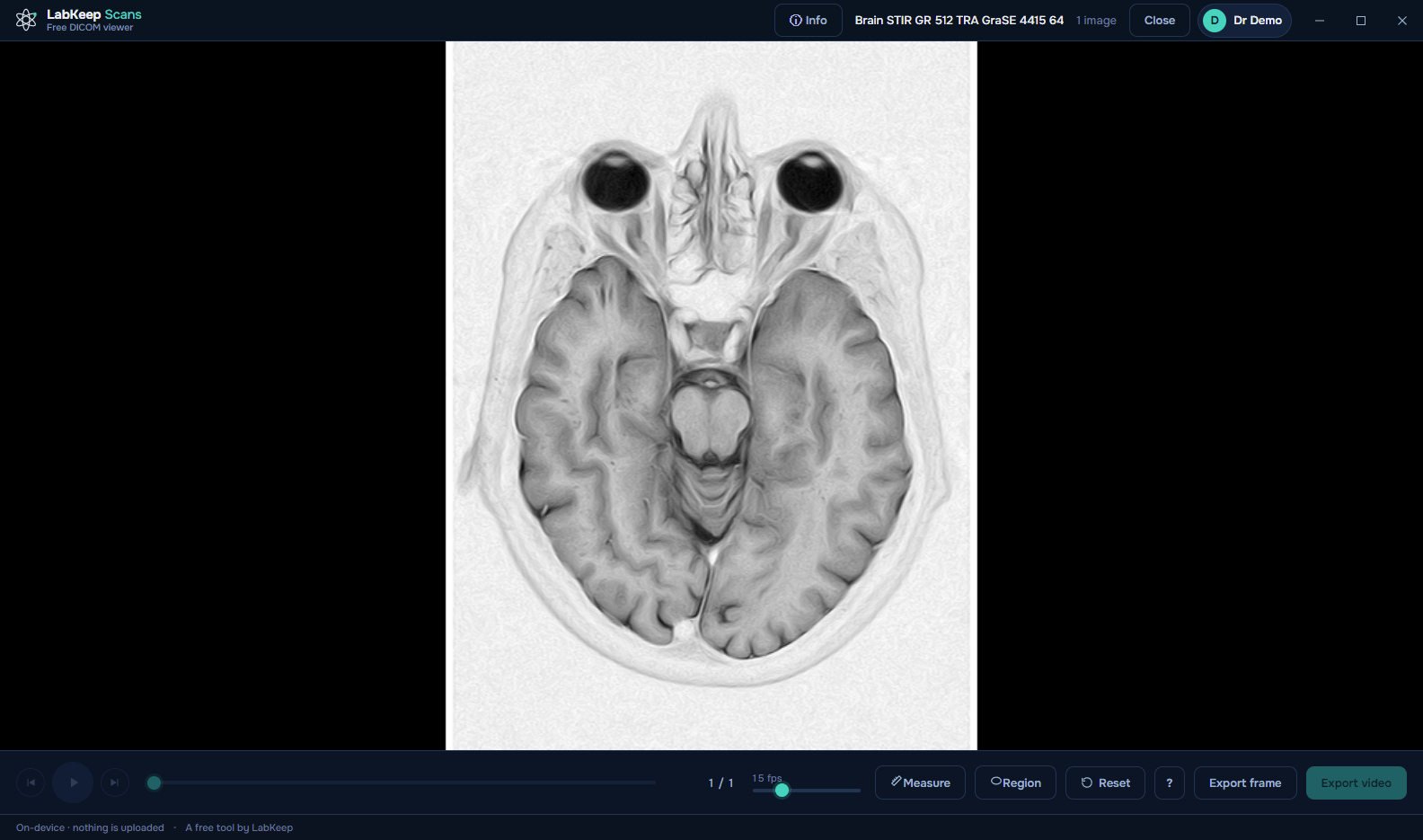
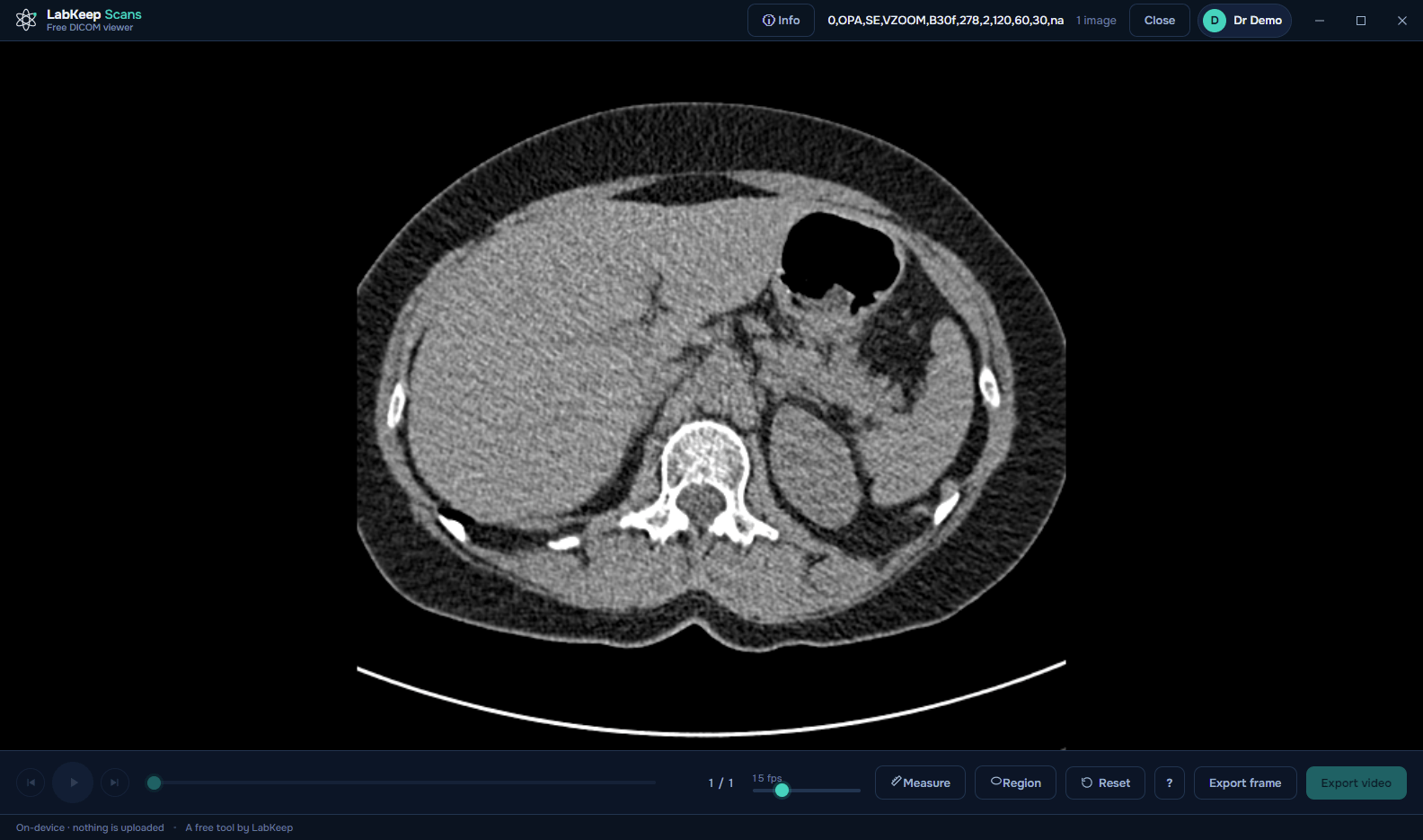
Measurement tools — Hounsfield readouts, calibrated distances, ROI stats — are reserved for Doctor and Radiology center mode, where they belong. Personal mode stays focused on looking at a scan, not measuring one.
Private by design
Your scans never go to the internet or to our server.
There is no cloud, no account, and no tracking.
Your computer will warn you the first time
Neither build is code-signed yet, so both operating systems flag it. That means the file is new and unsigned — not that anything is wrong with it. A signing certificate is on the list; LabKeep Scans is free, and certificates are not.
Windows
SmartScreen shows “Windows protected your PC”. Click More info → Run anyway.
macOS 15 (Sequoia) and later
A double-click is blocked outright. Open System Settings → Privacy & Security, scroll down to “‘LabKeep Scans’ was blocked…”, click Open Anyway, authenticate, then confirm Open Anyway.
macOS 14 (Sonoma) and earlier
Right-click (Control-click) the app → Open → Open. Apple removed this shortcut in macOS 15, so newer systems need the steps above.
Free for your family, and it stays that way.
No account, no trial, no upsell inside the app. Windows 10/11 and macOS 11+, one universal Mac download for Intel and Apple Silicon.
Free · v0.1.0 · 106 MB · Windows 10 / 11 · 64-bit
Windows shows a SmartScreen warning — why, and what to clickThe Mac download is one universal build — it runs natively on both Intel and Apple Silicon.
Neither build is code-signed yet, so both platforms show a first-run warning — here's what to click. Free to use, and staying that way — you can support the project if it helped.
LabKeep Scans is a viewing and organization tool, not a diagnostic device. It is not certified for primary image diagnosis — always rely on the report from your radiologist.