Got a disc from a scan?
Open it in one click.
The free DICOM viewer for Windows and Mac — for the family opening grandma's MRI, and for the practice filing every patient's imaging. Your scans never go to the internet or to our server.
Send to your phone: send a scan to the LabKeep app on your phone, over your own Wi-Fi. Encrypted, direct, never through the internet. (Windows app; Mac coming soon.)
Free · v0.1.0 · 106 MB · Windows 10 / 11 · 64-bit
Windows shows a SmartScreen warning — why, and what to clickThe Mac download is one universal build — it runs natively on both Intel and Apple Silicon.
Which one are you?
See the details for your situation.
Click a card below to see the full feature list and screenshots
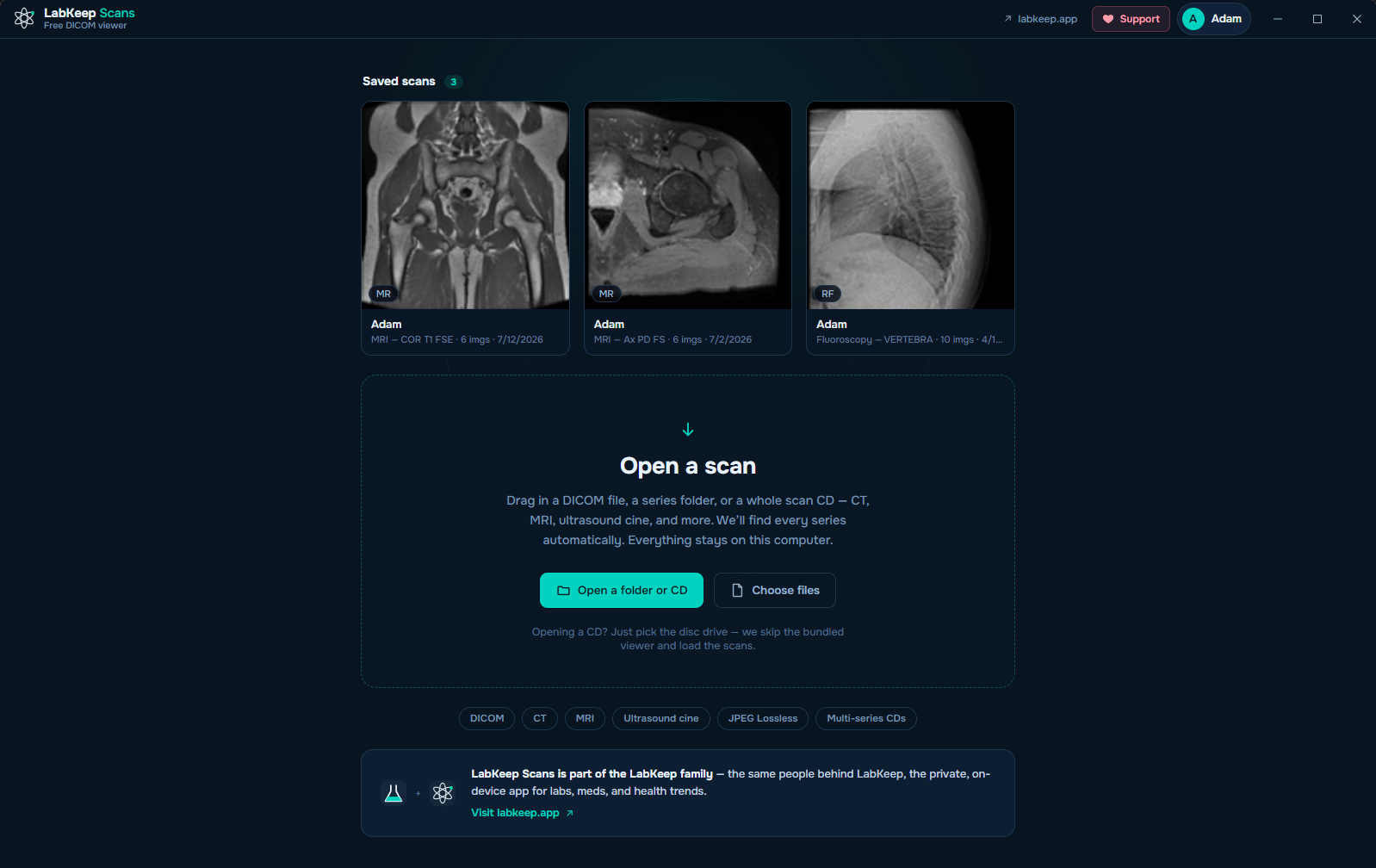
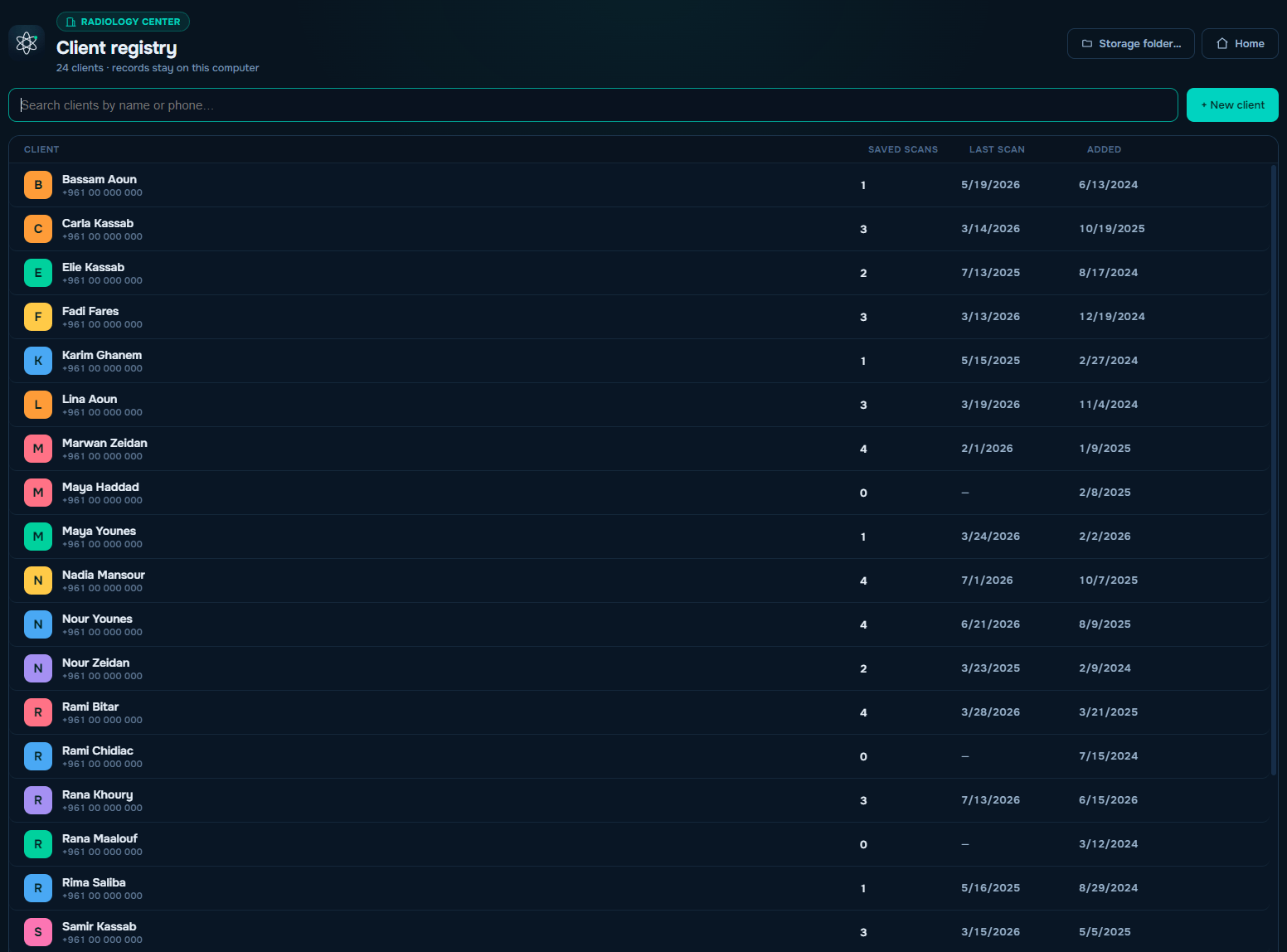
Your computer will warn you the first time
Neither build is code-signed yet, so both operating systems flag it. That means the file is new and unsigned — not that anything is wrong with it. A signing certificate is on the list; LabKeep Scans is free, and certificates are not.
Windows
SmartScreen shows “Windows protected your PC”. Click More info → Run anyway.
macOS 15 (Sequoia) and later
A double-click is blocked outright. Open System Settings → Privacy & Security, scroll down to “‘LabKeep Scans’ was blocked…”, click Open Anyway, authenticate, then confirm Open Anyway.
macOS 14 (Sonoma) and earlier
Right-click (Control-click) the app → Open → Open. Apple removed this shortcut in macOS 15, so newer systems need the steps above.
LabKeep Scans is a viewing and organization tool, not a diagnostic device. It is not certified for primary image diagnosis — always rely on the report from your radiologist.